How it works
Scan
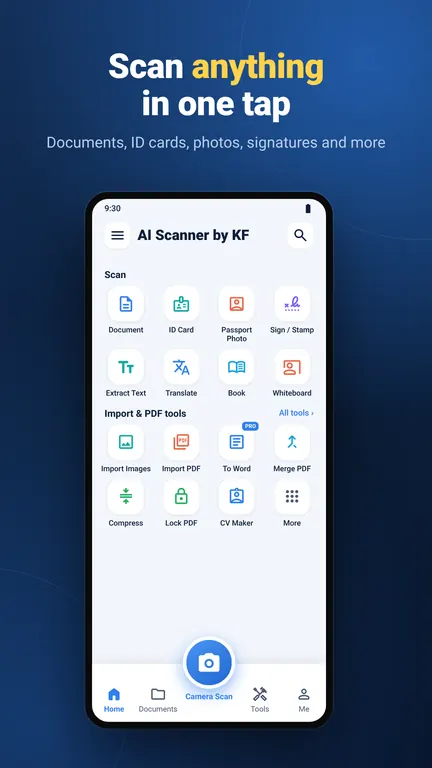
Tap the big scan button. The app finds the page and captures it. Add more pages or import photos and PDFs.
Clean up
Adjust the corners, pick a filter, rotate or reorder pages.
Do more
Recognise text, sign, add a stamp, merge with another PDF, compress or password-protect.
Share or save
Send it by WhatsApp or email, or save it to a folder. That is the only time the file leaves your phone.