
Scan both sides of an ID card onto one page
Banks, employers and visa offices often ask for a copy of both sides of your ID on a single page. ID Cards mode scans the front, then the back, and lays them out on one A4 page.
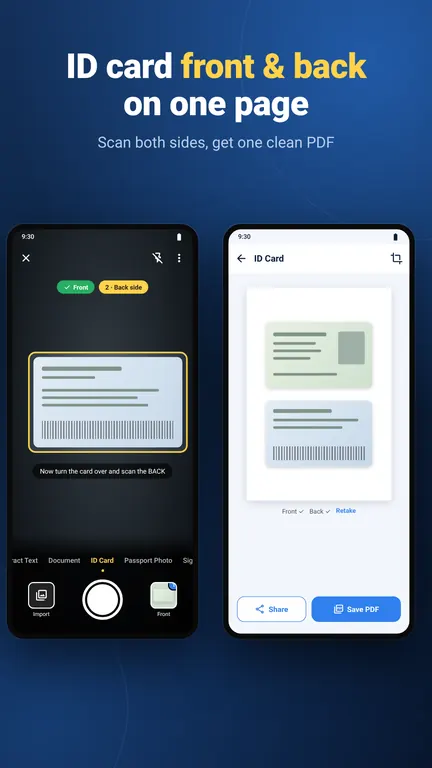
How to use ID Cards mode
- Open Tools › ID Cards.
- Scan the front, flip the card and scan the back.
- Check the crop, then save the A4 PDF or image.
Works for national ID cards, residence cards, driving licences, student and work cards. Your ID copy stays on your phone; consider locking the app with a PIN.