
Sign PDF documents on your phone
Need to sign a form, offer letter or delivery note? Scan it or open the PDF, draw your signature and place it where it belongs. No printer, no pen, no upload.
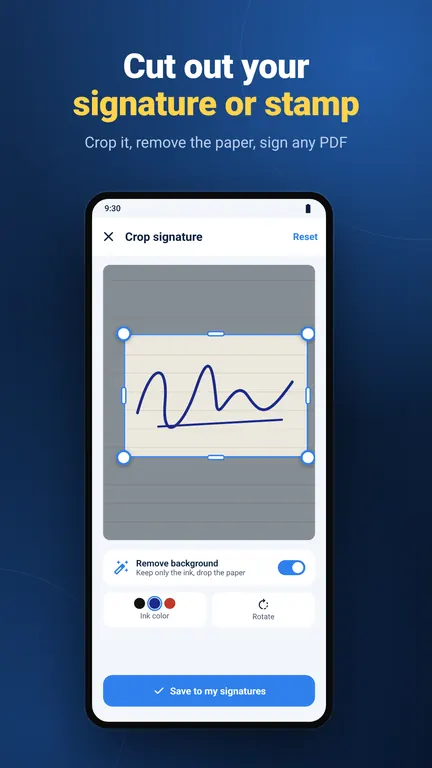
How to sign
- Open the document and tap Sign.
- Draw your signature with your finger. Save it to reuse next time.
- Drag it into place, resize it and pick a colour such as blue ink.
- Add the date, your initials, a text box or a stamp if the form needs them.
- Save and share the signed PDF.
Important to know
AI Scanner adds an electronic signature, which is an image of your handwritten signature on the page. It is not a certificate-based digital signature (PKI). Most everyday forms accept an electronic signature, but some legal or government documents require a certified digital signature; check with the organisation that asked for it.
Guide: how to sign a PDF on Android.